Guide
US visa photo requirements, explained
The DS-160 online form checks your photo automatically and rejects it if one rule is off. These are the official rules in plain English, with the fix for each.
The digital file
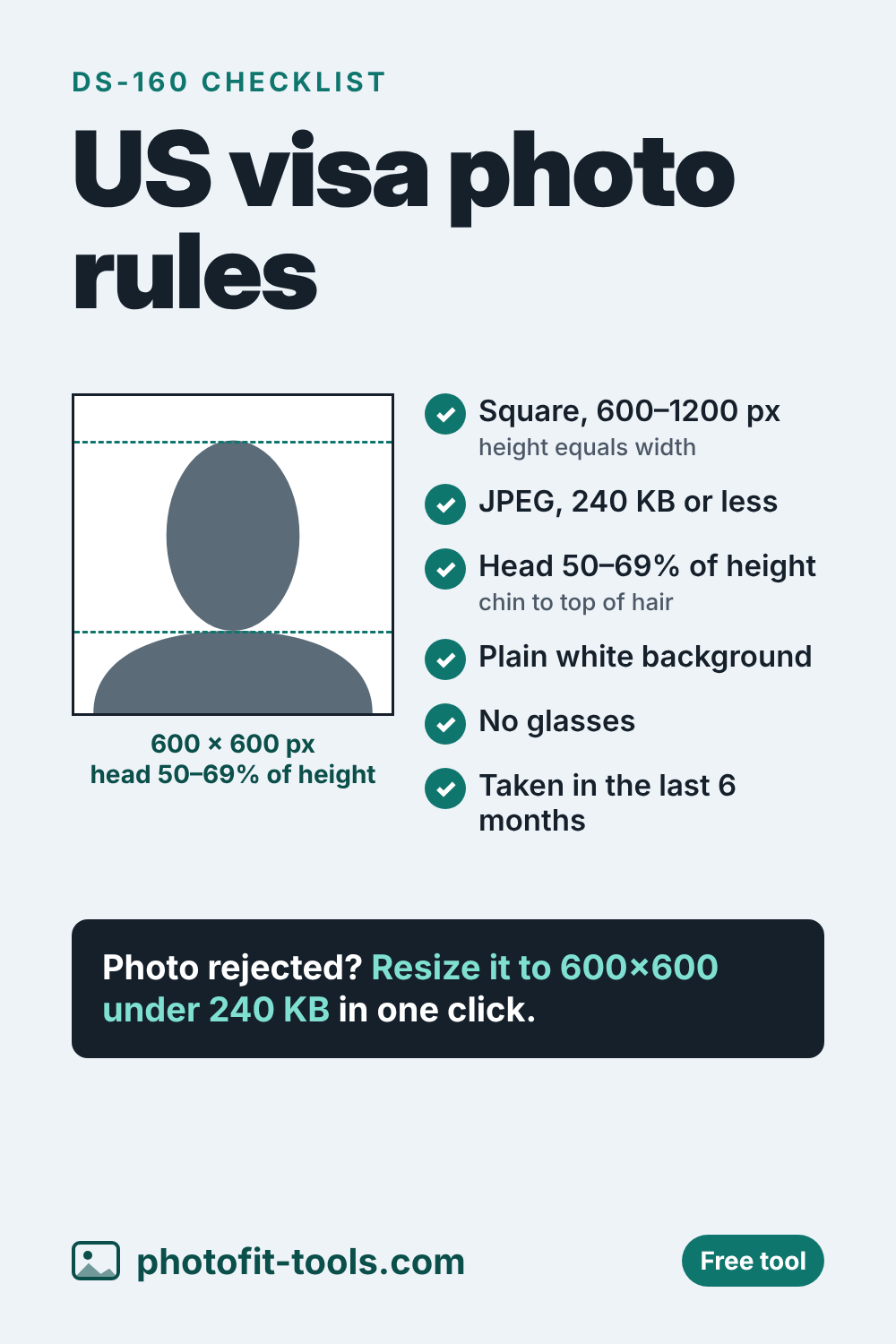
| Shape | Square: the height must equal the width |
|---|---|
| Pixels | At least 600 × 600, at most 1200 × 1200 |
| Format | JPEG |
| File size | 240 KB or less |
| Color | Color photo, 24 bits per pixel, sRGB |
| Compression | Ratio of 20:1 or less |
The US visa photo resizer produces a 600 × 600 JPEG at the highest quality that fits under 240 KB, which also keeps the compression inside the limit.
How you must look in the photo
- Head size: between 1 inch and 1⅜ inches (22–35 mm), or 50% to 69% of the photo's total height, measured from the bottom of the chin to the top of the hair.
- Recent: taken within the last 6 months.
- Background: plain white or off-white.
- Glasses: not allowed, except in rare medical cases.
- Expression: neutral, with both eyes open.
- Head coverings: only if worn daily for religious purposes. Your full face must be visible, with no shadows on it.
Fixing common DS-160 photo errors
- “Photo size is incorrect.” The image isn't square or is outside 600–1200 pixels. Use the resizer, which outputs exactly 600 × 600.
- “File is too large.” It's over 240 KB. The resizer keeps it under.
- Head too small or too large. Zoom and drag the preview until your head fills about two-thirds of the height, then download again.
- Background or shadow problems. Retake the photo in front of a plain light wall, standing a little away from it, facing a window.
- Low quality. The State Department rejects low-quality phone photos, snapshots and scans of ID cards. Use good light and the camera's highest quality setting.
Scanning a printed photo instead
If you already have a printed 2 × 2 inch (51 × 51 mm) photo, the State Department says to scan it at 300 pixels per inch, which gives 600 × 600 pixels.
Sources
Rules were checked in October 2026. Governments update them from time to time, so always confirm on the official page before you apply.
Related tools
Save it for later