Guide
Photo too big to upload? Here's how to fix it
Job portals, exam forms and visa applications often reject photos straight from a phone. The fix takes about ten seconds once you know which limit you're up against.
Why your photo is “too big”
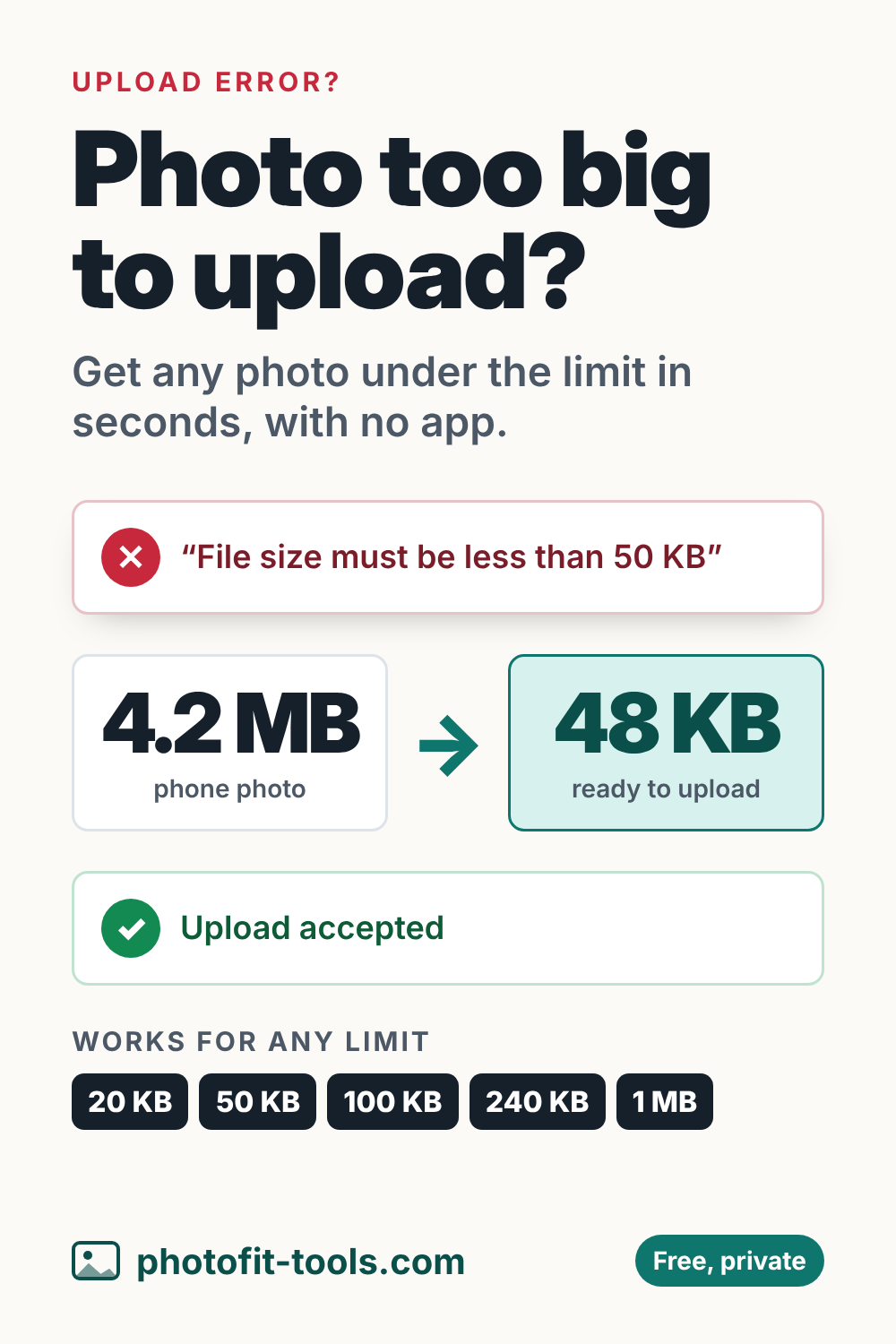
A modern phone photo is usually 12 megapixels or more (about 4000 × 3000 pixels) and between 2 and 5 MB. Many forms only accept 50 KB, 100 KB or 200 KB, which is 20 to 100 times smaller. The photo has to be compressed, and often made smaller in pixels too.
File size vs. pixel size
Forms can mean two different things by “size”, so read the message carefully:
- File size is how much space the file takes, in KB or MB. “Maximum 100 KB” is a file size limit.
- Pixel size (dimensions) is the width and height, like 600 × 600 pixels. “Must be 600 × 600” is a pixel limit.
Some forms set both. The resizer lets you set exact pixels and a maximum file size at the same time.
Quick fixes for common limits
| The form says | Use this |
|---|---|
| Under 20 KB | Compress to 20 KB |
| Under 50 KB | Compress to 50 KB |
| Under 100 KB | Compress to 100 KB |
| Under 200 KB | Compress to 200 KB |
| Under 1 MB | Compress to 1 MB |
| Exactly 600 × 600 pixels | Resize to 600 × 600 |
| US visa (DS-160) | US visa photo resizer |
It's under the limit but still rejected
- Wrong format. Most forms want JPG (also written JPEG). PNG, WebP and HEIC are often refused. Convert with PNG to JPG or WebP to JPG.
- Too small. Some forms also set a minimum, like “between 20 KB and 50 KB”. Aim just under the maximum, so pick the higher number.
- KB vs KiB. Some websites count 1 KB as 1,000 bytes, others as 1,024. Photofit always counts 1,000, so the file is under the limit either way.
- Wrong shape. If the form wants a square or passport-shaped photo, crop it first with crop image.
- iPhone HEIC photos. Choosing the photo through the iPhone's photo picker usually converts it to JPG automatically. On a computer, set the iPhone camera to Settings › Camera › Formats › Most Compatible for future photos.
What about DPI?
DPI (dots per inch) only matters when a photo is printed. It doesn't change the file size or what the photo looks like on screen. If a form insists on a DPI value, set it in the resizer under Print DPI (for JPG files).
Will compressing ruin the photo?
For faces and documents, no. The tool keeps the highest quality that fits. Below about 30 KB it also reduces the pixel size, which softens fine detail, but text and faces stay clear at the sizes forms display them.
Related tools
Save it for later