Guide
How to make passport photos at home
With a phone, a plain wall and a friend, you can make your own passport photos and print several copies on one standard 4×6 photo print, for a fraction of what a photo studio charges.
What you need
- A phone or camera set to its highest quality
- A plain white or off-white wall (a door or a sheet of white poster board also works)
- Soft, even light, like a bright window that is in front of you rather than behind you
- A friend or family member to take the photo. The US State Department lists “a friend or family member” as an option.
Step 1: Take the photo
- Stand about half a metre (a couple of feet) in front of the wall so your body doesn't throw a shadow on it.
- Face the camera straight on, with your head level. The camera should be at eye height, roughly 1 to 1.5 metres (4 to 5 feet) away.
- Keep a neutral expression with both eyes open and your mouth closed. Take off glasses, hats and headphones.
- Turn off beauty mode, portrait mode and filters. Official photos must be unedited.
- Take several shots and pick the sharpest one with no shadows on your face or the wall.
Step 2: Crop it to the right size
Open the passport photo maker, choose your photo size, and drag and zoom until your head is the right size in the frame. For a US passport photo, your head (from the bottom of the chin to the top of the hair) must measure between 1 and 1⅜ inches (25–35 mm) on the 2×2 inch photo. That's roughly half to two-thirds of the photo's height.
Cropping and resizing are fine. What's not allowed is changing how you look: no filters, smoothing, background replacement or stretching.
Step 3: Print several copies on one 4×6 print
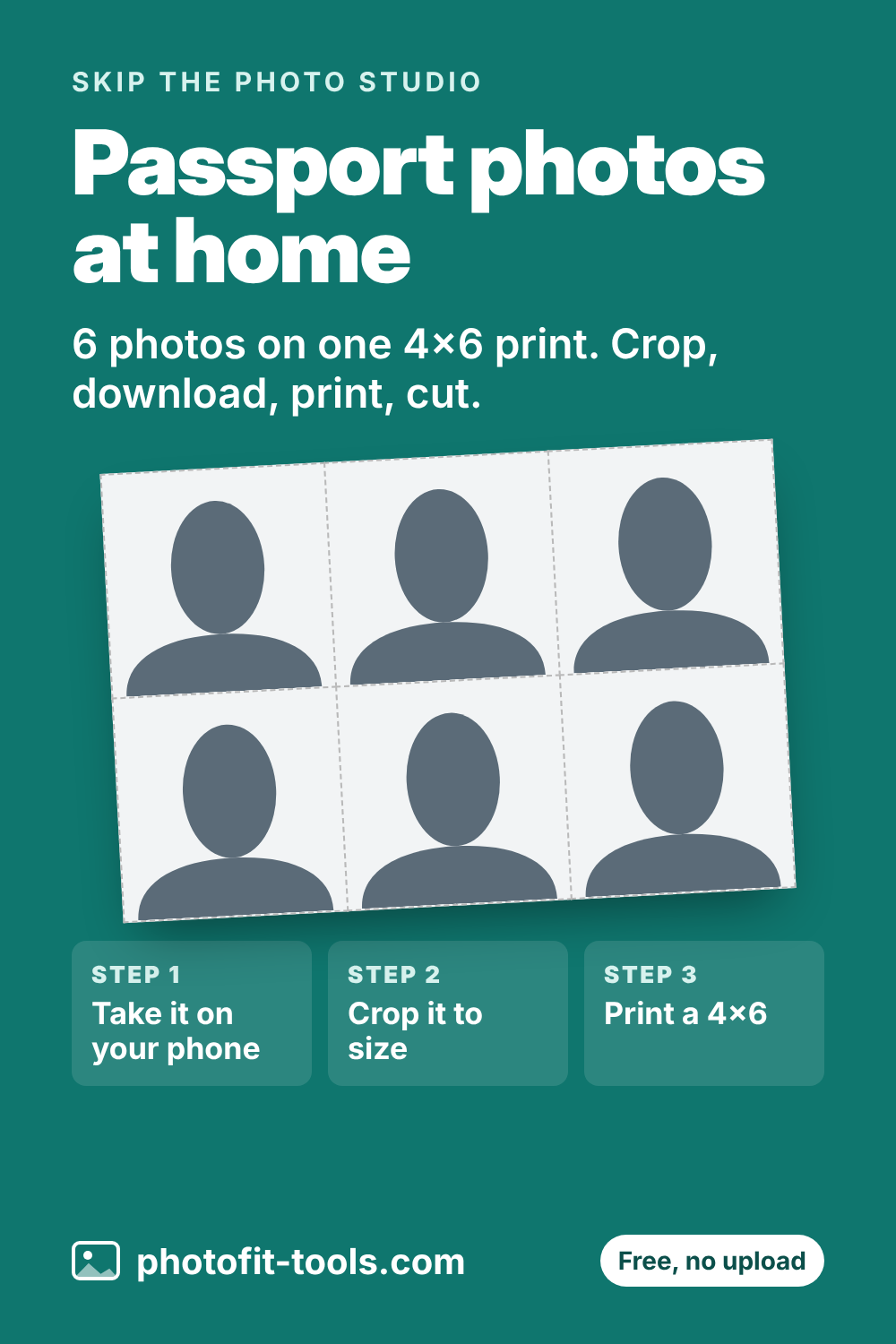
Press Download 4×6 in print sheet. You get one image with several copies of your photo and light grey cut lines: six 2×2 inch photos, or eight 35×45 mm photos.
- Order it as a normal 4×6 inch (10×15 cm) photo print at a drugstore, supermarket photo counter or online print service.
- Ask for it not to be cropped or resized (sometimes called “fit to print” off or “no borders”), so each photo stays exactly the right size.
- Choose matte or glossy photo paper. The US requires photo-quality paper, not a home printout on plain paper.
Step 4: Cut and check
Cut along the grey lines with scissors or a paper trimmer, then check one photo with a ruler. A US photo should measure exactly 2 × 2 inches (51 × 51 mm).
Why passport photos get rejected
- Shadows on the face or the background
- Glasses (not allowed in new US passport photos)
- Head too small or too large in the frame
- Blurry, grainy or pixelated image, or visible printer dots
- Filters or editing
- Photo older than 6 months
Sizes for other countries
The UK, the Schengen area and many other countries use 35 × 45 mm. Canada uses 50 × 70 mm for passports, and Chinese visas use 33 × 48 mm. All of these are in the passport photo maker. Some countries, such as the UK for online applications, ask for a digital photo instead of a print. Check your government's own rules first.
Sources
Rules were checked in October 2026. Governments update them from time to time, so always confirm on the official page before you apply.
Related tools
Save it for later